Offline conversions: why Google Ads and Meta optimise for the wrong leads
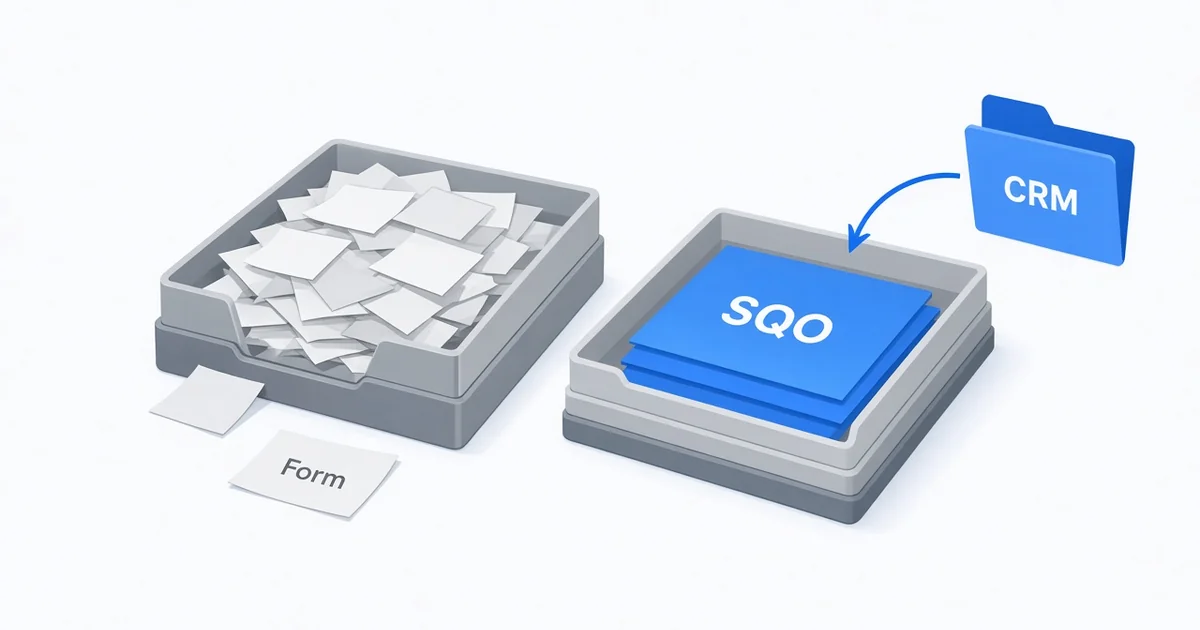
A typical example: Google Ads shows a falling cost per lead, and Meta keeps reporting more form fills. In the budget meeting, sales says they can't do anything with most of these enquiries. The platforms have done exactly what you told them counted as success: they bought cheap forms.
If you only optimise on forms, you often end up with cheap, unqualified leads. Budget flows to wherever a form is cheapest to get, not to where a conversation or a deal later appears.
Offline conversions change that. You send qualified stages from the CRM back to Google Ads and Meta, as a weighted funnel, so the platforms get enough signals. Don't switch the campaigns overnight, though: always start with an experiment. A difference typically shows after two to three months.
1. Why form conversions burn budget
If Google Ads or Meta only sees the completed form, they'll keep buying the leads that are cheapest to get a form out of, rather than the ones that later turn into a deal.
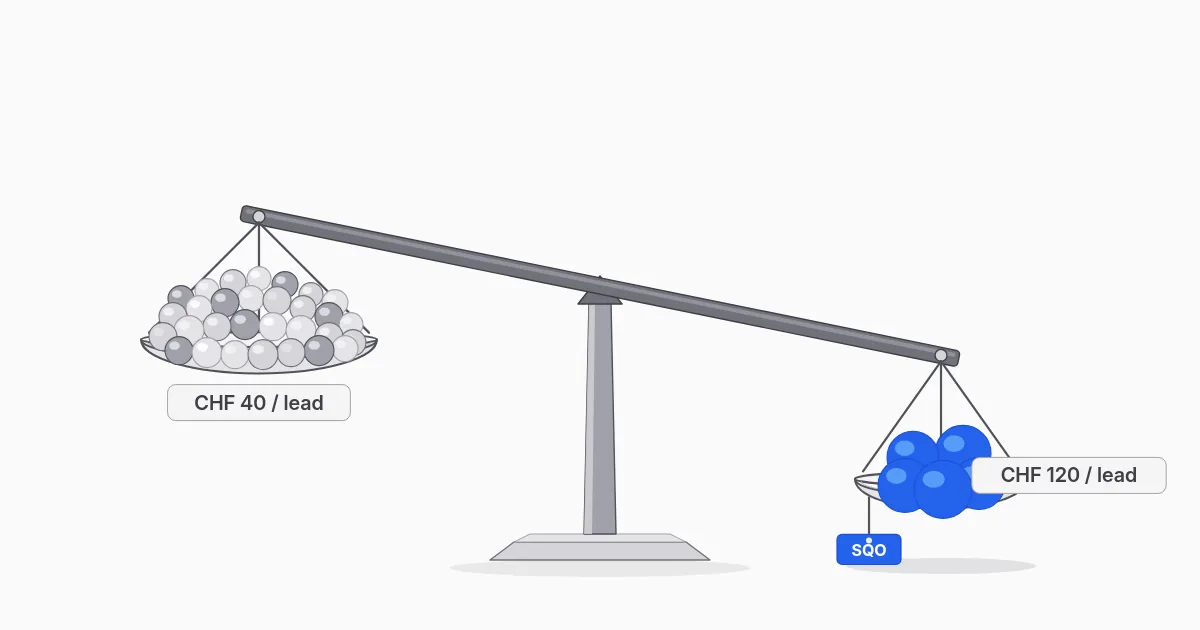
A typical pattern: one campaign brings in lots of enquiries at CHF 40. The other costs much more per lead, but it delivers the conversations sales can actually work with. Because the platform only sees the form as a success, it moves budget into the cheap campaign. The lead count goes up; the pipeline doesn't.
A short example over three months, with the same budget:
| Campaign A | Campaign B | |
|---|---|---|
| Media spend | CHF 15,000 | CHF 15,000 |
| Form fills | 375 | 100 |
| Cost per lead | CHF 40 | CHF 150 |
| Qualified opportunities (SQOs) | 3 | 12 |
| Cost per SQO | CHF 5,000 | CHF 1,250 |
Example figures for illustration
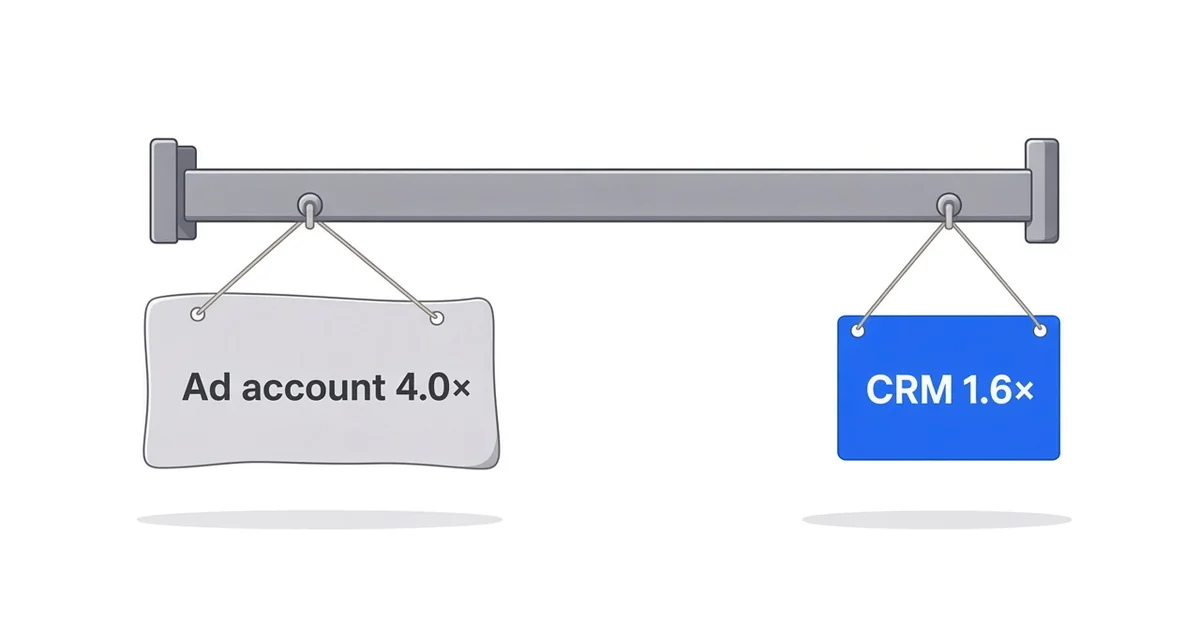
On cost per lead, campaign A looks like the clear winner. Per opportunity, it is four times more expensive. That is what happens when the only signal you send the platform is the form.
What a form costs is still a figure that has to be right. How to calculate it properly is in how to calculate cost per lead. Whether a cheap lead is actually cheap is a question of lead quality through to the opportunity. This post is about the next step: which signal you send back to the platforms for bidding.
2. Send a weighted funnel back, not just one stage
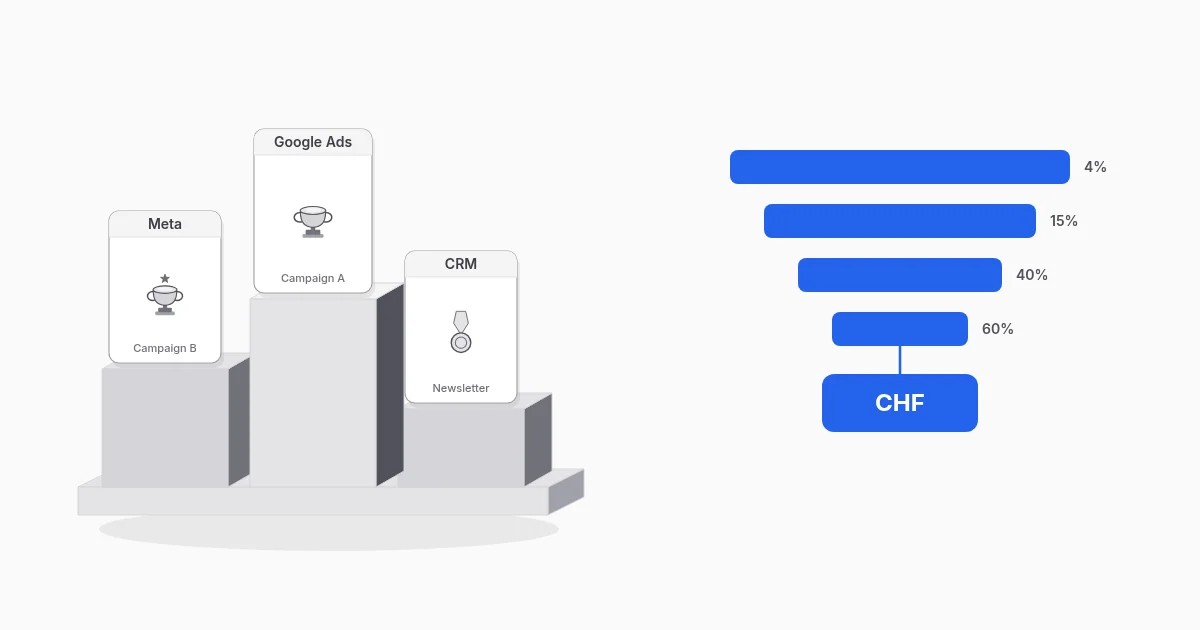
We send back the weighted funnel. You report the CRM stages to Google Ads and Meta, from the qualified enquiry through to the won deal, with values that rise further down the funnel. That gives the platforms enough signals, and a later step counts for more than a form fill.
If you only sent the closed deal, most B2B accounts would have too few events for the bidding strategy to learn from. If you only sent the form, it would have enough volume, but at the wrong target. The weighted funnel gives you both: plenty of signals at the top and more weight at the bottom.
You derive the values from your historic rates in the CRM. They don't have to be your real revenue; what counts is the ratio between the stages. In the example in our lead-quality post, that works out at about 38 for an MQL, 125 for an SQL, 250 for an SQO and 1,000 for a won deal. The full calculation and template are in how to measure lead quality: why a cheap cost per lead can still cost you money.
Google's help page on value-based bidding says the values "can be real economic values, like revenue or proxy values, like a lead score". For the technical setup in Google Ads, see Google's guide to setting up your offline conversions. On Meta, it isn't quite the same: optimisation on CRM stages (Conversion Leads) currently only works with Instant Forms lead ads. Meta recommends at least 200 leads a month, daily uploads, and a stage that is reached within 28 days of the lead.
An anonymised Swiss insurance broker faced a similar problem: "We had a lot of unqualified leads and did not know where to shift the money to increase our ROI." Marco, CEO, says: "Sending the right signals to Google was a game changer." The insurance broker case study reports a ROAS of 4.2.
Offline conversions are the feedback loop for bidding. You still work out in the CRM which channel brings good leads and what revenue really looks like against ad spend. That includes ROAS from CRM revenue, not the figure the platform reports itself.
3. Which conversion should you report to Google Ads and Meta?
Send every funnel stage as a weighted funnel. The stage you optimise on in the experiment is the last stage you send as an offline conversion, and only if it has enough volume. Our rule of thumb is at least 30 conversions in 30 days.
Use this to decide which stage can serve as that last signal:
| Stage | Typical volume | If you optimise only on this | As the last stage in the experiment |
|---|---|---|---|
| Form fill | High and fast | The platform buys cheap, unqualified leads | No, a form fill is too far from revenue for that |
| MQL | Usually enough | Still a long way from revenue | Yes, if SQLs and SQOs are too rare |
| SQL | Medium | Sales has to qualify promptly and consistently | Yes, if you have at least 30 in 30 days |
| SQO | Often tight | Close to revenue, but often too little signal | Yes, once you have at least 30 in 30 days |
| Closed deal | Too low in most B2B accounts | Closest to the business, usually too rare to learn from | Only if you genuinely have at least 30 in 30 days |
The closer that last stage sits to revenue, the better it steers the budget. If the volume isn't there, move one stage up, but keep the later stages in the funnel with a higher value. That way you don't lose the link to the business just because closed deals are too rare.
4. The prerequisite: the client ID in the CRM, not just UTMs
To send the right stages back, every lead and deal has to be joined to that person's whole journey. Writing the UTM parameters from the form into the CRM isn't enough, because that only shows you the last click.
So we do it differently: every form submit sends the GA4 client ID, the ID from the _ga cookie, to the CRM, for example HubSpot. The same ID is stored in GA4 as a user-scoped custom dimension. That lets you join every lead and deal to all of that person's sessions, channels and campaigns, from the first touch to the last. Only then do you know which enquiry later became an SQO or a closed deal, and can send exactly that stage back as an offline conversion.
The client ID alone is not enough for the upload to Google Ads and Meta. Google Ads matches an offline conversion on the click ID (GCLID, gbraid or wbraid) and/or on hashed email addresses or phone numbers, known as enhanced conversions for leads. Meta matches on its own lead ID, the click and browser IDs (fbc and fbp), or hashed contact data. So you store those IDs in the CRM alongside the client ID. The client ID remains the key for attribution: it is what joins the lead across all sessions and channels.
Storing the GA4 client ID in the CRM links it to a named contact, so your privacy notice must cover that. The join only applies to visitors who have agreed to analytics cookies, and it has to fit the revDSG (the Swiss Data Protection Act). The same applies when you send click IDs and hashed contact data to Google and Meta: that needs consent for marketing use, and a mention in the privacy notice. You delete stored IDs when consent is withdrawn. You still need UTM parameters, but in your campaign links, so that GA4 can recognise the channels. There's more on the method in marketing attribution models: the number you can take to your CFO.
Without a journey you can actually see, even the right signals stay patchy. At the University of Zurich's Executive Education, the share of captured customer journeys rose from 0 to 90%.
5. Always start with an experiment
Don't switch the campaigns from one day to the next; always start with an experiment. A difference typically shows after two to three months.
Many teams worry the campaigns will forget what they have already learnt, especially if the budget is coming down before the holidays. That's why one half stays on the current setup. You don't switch everything at once, and you only roll out the new optimisation if the experiment comes out ahead.
Checklist: how to set up the experiment
- Split traffic 50/50: one half stays on today's optimisation, usually the form. The other works with the weighted funnel. A 50/50 split does not guarantee equal spend on both sides.
- Let the experiment run long enough to cover your sales cycle. Don't call it off after a few weeks; a difference typically shows after two to three months.
- Upload offline conversions daily. If the signals arrive late, for example at the SQO stage after seven or more days, the bidding strategy takes longer to ramp up. That fits the two to three months.
- The test arm optimises on the last funnel stage you send as an offline conversion.
- That last stage needs at least 30 conversions in 30 days, which is our rule of thumb. If it falls short, use the next stage up that still clears this threshold.
- Don't decide on the number of form fills. Look at opportunities, cost per SQO or revenue in the CRM.
In Google Ads you set this up as a custom experiment. The same principle applies on Meta: compare first, then switch.
The platforms buy whatever you report as success
If you only report forms, you'll get forms. If you report the weighted funnel, budget can flow to where revenue later appears. Test the change in an experiment rather than switching the account overnight.
Want to know whether your data is up to it? In the Data Quality Check we review your tracking and data quality and set up the customer journey through to your CRM. In a workshop, we then work out with your team which funnel stages you should send back to Google Ads and Meta. Or get in touch for a short call.
Frequently asked questions
What are offline conversions? Offline conversions are outcomes from the CRM that you send back to Google Ads and Meta, such as a qualified lead, an opportunity or a closed deal. The platforms then see not only the form on the website, but what later became of it.
Should I send back only the closed deal, or the whole funnel? The weighted funnel. A closed deal alone gives most B2B accounts too few signals. The form alone gives enough volume, but at the wrong target. Every stage, with values that rise down the funnel, gives enough signals, and the later steps count for more.
Is it enough to store UTM parameters in the CRM? No. The UTM parameters from the form only show the last click. Send the GA4 client ID to your CRM with every form submit instead, and store it in GA4 as a user-scoped dimension. For visitors who have given consent, you can then join every lead and deal to all the channels in their journey.
How long does it take to see a difference? Typically two to three months. Always start with an experiment and let it run long enough to cover your sales cycle. After a few weeks it is usually too early to judge.
Will the campaigns unlearn if I stop optimising on forms? That's why you start with an experiment rather than switching the whole account. One half stays on the current setup, the other works with the weighted funnel. You only adopt the new optimisation if the experiment comes out ahead.
What if I don't have 30 conversions in 30 days at the last stage? Our rule of thumb is at least 30 conversions in 30 days. If the last stage falls short, you use the next stage up that still clears this threshold, for example SQL instead of SQO. The later stages stay in the weighted funnel with a higher value. That way the bidding strategy has enough volume and doesn't lose the link to revenue altogether.
Written by
Dashflow Team