The Dashflow Measurement Primer: Why the Customer Journey Belongs on the Server

A customer journey has to survive the gap between the first ad click and a deal that closes months later. Ad platforms record the click. The CRM records the revenue. Between those two records sits an identity problem, and the way a setup solves it decides almost everything downstream: how much data survives ad blockers, how long attribution lasts in Safari, whether non-converting traffic is visible at all, and how many offline conversions match back to the ad platforms.
There are two architectural answers. Either the journey is stored in the browser and handed over at the moment a form is submitted, or it is collected on a server with every interaction and joined to the CRM record afterwards. This primer describes the second approach as Dashflow implements it, and compares it with a well-built example of the first: the open-source library Intake.
1. The approach: collect everything, server-side
The goal is data quality first: measure as much as possible, move collection to the server, and end up with multi-touch attribution that connects to CRM outcomes. Three mechanics carry that.
The _ga cookie ID becomes a dimension. GA4 (Google Analytics 4) stores an anonymous client ID in the _ga cookie. We push that value into a user-scoped GA4 custom dimension, so every event GA4 records carries the identifier. The result is a complete interaction history per anonymous visitor, not a summary of it.
Click IDs are logged against that identifier. Ad platform click IDs such as gclid and fbclid go into custom dimensions as well, tied to the same _ga value. Because each click arrives as its own event, the full click ID history of a visitor stays available. Setups that keep only the most recent click ID can fuel the last ad interaction; a full history can fuel all of them.
Everything runs through server-side tagging. We deploy server-side Google Tag Manager (sGTM) through Stape on a custom first-party subdomain. That single decision addresses three problems at once:
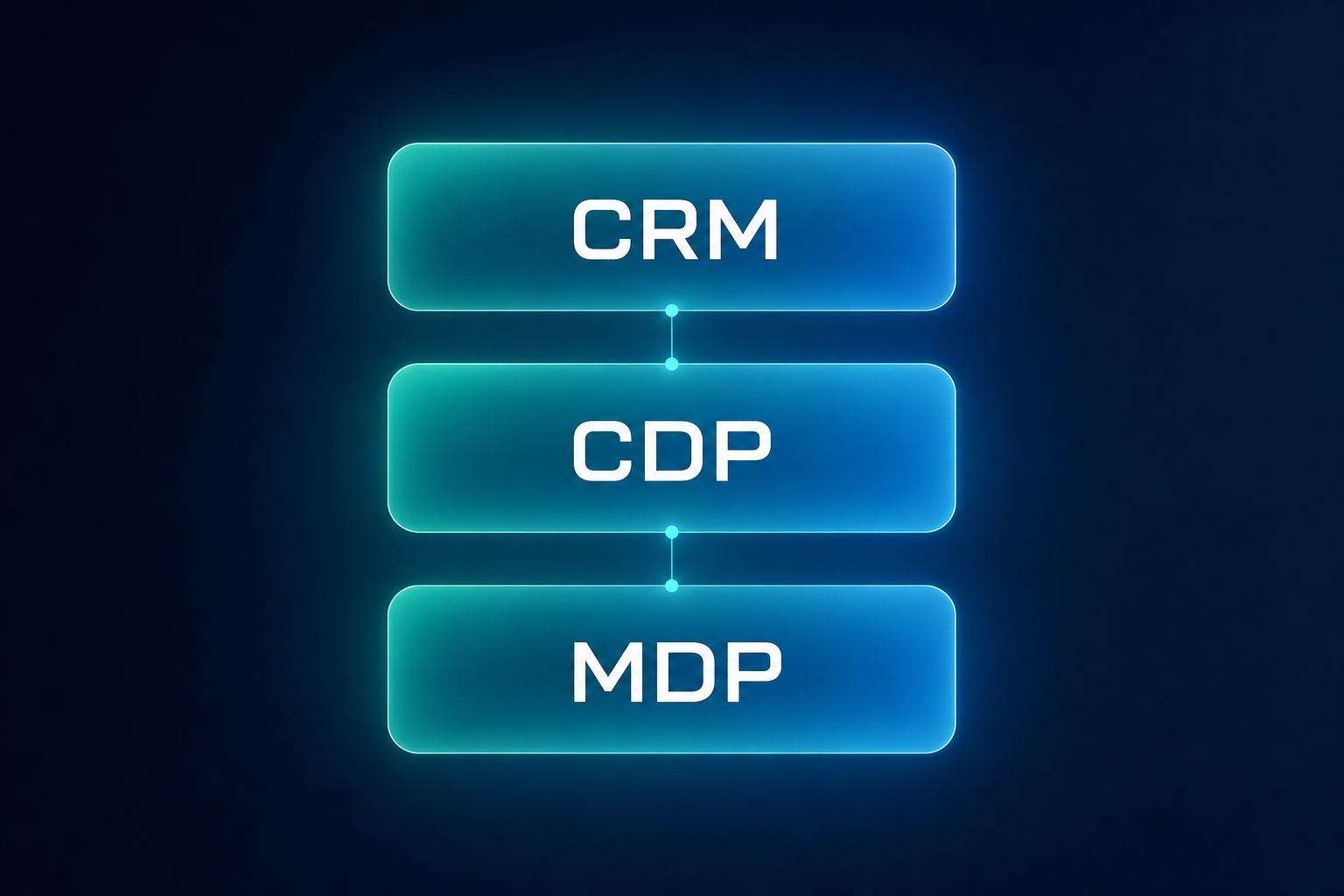
- Ad blockers. Requests go to a first-party subdomain instead of a known tracking endpoint, so the events are no longer filtered out before they are sent.
- Cookie writing. Cookies come from the server through
Set-Cookieresponse headers rather than from JavaScript, which is the distinction browser privacy engines act on. - Cookie lifetime. Server-set cookies survive for a year or more, instead of the seven days that Intelligent Tracking Prevention grants a script-written cookie.
Our post on why server-side tracking is a game-changer for data collection covers those mechanics in detail.
2. Why GA4 serves as the database
Using an analytics product as a data store looks unusual until the alternatives are priced out. The reasoning:
- Time to value. GA4 data arrives through a REST API. Reporting starts within days of the tracking change, not after a warehouse project.
- Session logic already exists and already matches the interface. GA4 sessions are defined, documented, and identical to what a marketing team sees in the GA4 reports. Rebuilding session logic on raw event exports produces numbers that disagree with the interface, and every disagreement turns into a meeting.
- Daily data resolution covers around 95% of marketing measurement questions. Budget allocation, channel contribution, and CAC by campaign do not need sub-hourly grain.
- BigQuery export is often missing or incomplete. The export holds this information, but many companies have never enabled it, have it unsynced, or have no historical backfill. That is additional setup time before any insight appears.
- No second tracking stack to pay for. GA4, GTM, and the CRM already exist in nearly every company. Adding a customer data platform to solve an identity problem means funding and operating infrastructure that duplicates what is already running.
Processing, mapping, and modeling then happen in our backend, where they can change without touching the tracking setup.
3. Setup in three steps
The implementation is deliberately small, because every additional moving part is something that breaks during a website relaunch.
- Create a user-scoped custom dimension in GA4, for example
user_id,uid, orga4_id. Scope has to be User, not Event. - Deploy the JavaScript through GTM. A Custom HTML tag reads the
_gacookie and pushes it to the dataLayer, sequenced to fire after the GA4 configuration tag. Firing it only after the GA4 tag keeps the capture inside the existing consent logic. The tracking onboarding guide documents the tag, trigger, and variable setup. - Write the same ID into the CRM. A hidden form field, for example
ga4_idon a HubSpot form, receives the cookie value at submission, and a workflow copies the property from the contact to the deal record. The CRM onboarding guide includes an example script that handles both legacy and multi-step iframe forms.
Server-side tagging is set up alongside this, following the Stape onboarding guide.
4. What the pipeline does with it
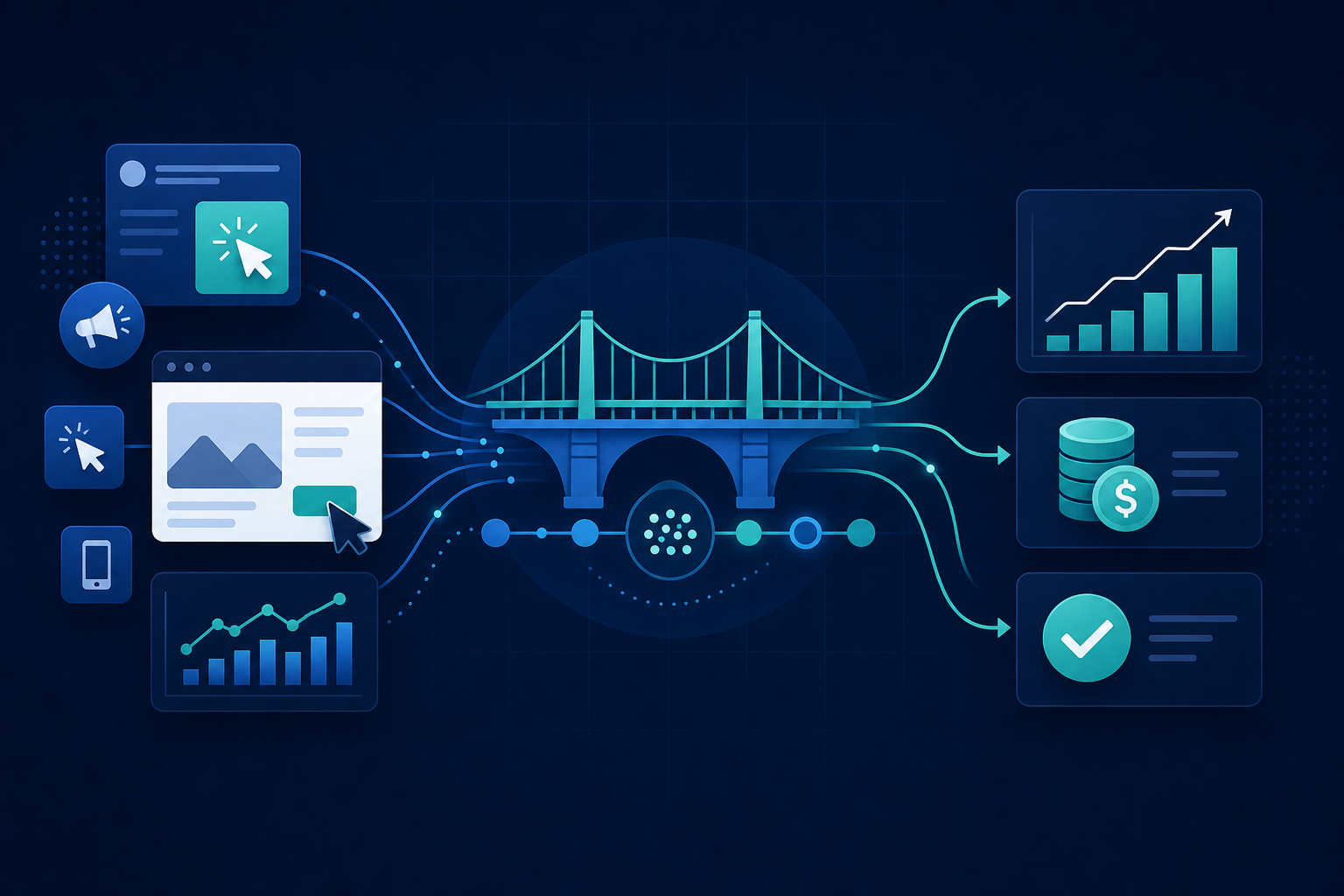
After those three steps, the joining work is automated. Dashflow pipelines connect web traffic data, marketing channel and cost data, and CRM submissions into one dataset, build attribution models on top of it, and write the results as flat parquet tables to blob storage. Any BI tool that can read a parquet file, Power BI, Tableau, Qlik, or Metabase, consumes them directly. The public data model documentation lists the fields.
5. How identity resolution works
Matching a cookie to a CRM record fails in two directions, and both occur in normal traffic.
One person can submit several forms with different email addresses or phone numbers, which creates several CRM records for one human being. The same person can also carry several _ga IDs, because of a second device, a cleared browser, or a Safari session that expired.
Neither case is solved by a single join key. The Dashflow pipeline matches bidirectionally: CRM records are consolidated across identifiers, and the identifiers are consolidated across CRM records, so a journey spanning two devices and two form submissions collapses into one customer.
6. The client-side alternative: how Intake.js works
Intake is an open-source JavaScript library for traffic source detection and attribution, roughly 14 kB gzipped with no runtime dependencies, shipped as UMD, ESM, and GTM-compatible builds. It detects UTM parameters, organic search, referral, and direct traffic; tracks 11 click IDs; maintains a touchpoint chain for first, last, linear, U-shaped, and time-decay attribution; respects Consent Mode v2 signals; and injects captured values into hidden form fields at submission. It also reads the GA4 client ID from the _ga cookie into its own storage.
For a small site with no server infrastructure, a short sales cycle, and a need to ship attribution this week, that design is a reasonable fit and a clean piece of engineering.
The constraints are consequences of the architecture rather than defects in the implementation, and the project documents them openly in its limitations guide. Cookies hold about 4 KB, so the touchpoint chain is capped at 50 touchpoints. Click IDs are stored as one value per parameter and merged from the URL on each page load, so a second gclid overwrites the first. Cookies are written with document.cookie, which Safari's Intelligent Tracking Prevention truncates to seven days regardless of the six-month lifetime the library requests. Cookies are set without an explicit SameSite attribute, which the documentation flags for iframe scenarios. And when consent is denied, no cookies are written at all; attribution falls back to URL parameter forwarding within a single session.
The deeper difference is not what gets captured but when it leaves the browser. Intake collects the GA4 client ID as well, but that value sits in a cookie until a form submission carries it out. Everything a visitor does before converting, and everything a visitor does who never converts, stays in the browser and disappears with it.
7. Side-by-side comparison
| Evaluation dimension | Intake (client-side) | Dashflow (server-side GA4 + Stape) |
|---|---|---|
| Architecture | Client-side JavaScript library (~14 kB) running in the user's browser | Server-side GTM hosted via Stape proxy, collecting the _ga cookie for every user interaction |
| Ad blocker resilience | Vulnerable; script requests and parameters are frequently blocked | Resilient; data routes through custom first-party subdomains |
| Cookie lifetime (Safari ITP) | Six months by configuration, truncated to seven days by Safari ITP | Extended to a year or more via server-set Set-Cookie response headers |
| Touchpoint storage | Capped at 50 touchpoints in browser storage | Unlimited historical logging by pushing the _ga cookie into a GA4 custom dimension for every interaction |
Click ID capture (gclid, fbclid) | One value per parameter, overwritten by the next click | Every historical click ID logged per user and linked to _ga in a GA4 custom dimension |
| Cross-domain and iframe handling | Restricted by cross-origin DOM isolation rules | Native GA4 linker decorates URLs to preserve _ga across iframe boundaries |
| HubSpot sync method | Captures the GA4 client ID as well, but hands it over only at form submission via hidden fields | Syncs the immutable _ga ID to the HubSpot record for automated backend lookup |
| Journey scope for non-converters | Blind to non-converters: data leaves the browser at conversion, so converter and non-converter behavior cannot be compared | Full visibility: every interaction is streamed with the _ga cookie, for converters and non-converters alike |
| Offline conversion and CAPI matching | Drops conversion signals on sales cycles that exceed the surviving cookie lifetime | High match rate; the full click ID history feeds Conversions API and offline conversion uploads |
| System dependency | Relies on client DOM availability and script execution | Relies on server proxy stability and the backend data pipeline |
8. When a CDP or a dedicated tool is the better answer
This approach is not universal. A customer data platform or a custom warehouse build earns its cost when:
- Time to value is not a constraint and a multi-quarter build is acceptable.
- An internal data science or data engineering team exists to own the pipelines long term.
- Intraday or event-level granularity is genuinely required, not merely preferred.
- Raw event history is needed beyond the GA4 retention window.
- Sources outside the web stack have to be unified: app SDKs, point of sale, product telemetry, offline events.
- A deterministic identity graph across logins, multiple domains, and apps is required.
- Data residency or compliance rules exclude GA4 entirely.
- Traffic volume is high enough that GA4 cardinality and sampling limits become binding.
Where none of those apply, the existing stack already contains the parts needed to measure full journeys.
9. Conclusion
Client-side libraries and server-side collection solve the same problem at different points in the data flow, and that placement determines the ceiling. A journey stored in the browser is limited by what a browser is willing to keep, which shrinks with every privacy release. A journey collected on the server is limited by pipeline quality, which is something a team can actually control.
For most mid-sized companies, the practical version of that is unglamorous: one custom dimension, one GTM tag, one hidden CRM field, and a pipeline that joins the result to revenue.
Next steps
- Compare the underlying collection methods in why server-side tracking is a game-changer for data collection.
- Review the wider playbook in how to measure customer journeys from clicks to ROI.
- See the outcomes in our case studies.
- Discuss a specific stack with our team: Book a strategy call.
Written by
Dashflow Team